Interacting via Web
Go to https://extranet.scayle.es/ and enter your username, password, and OTP.
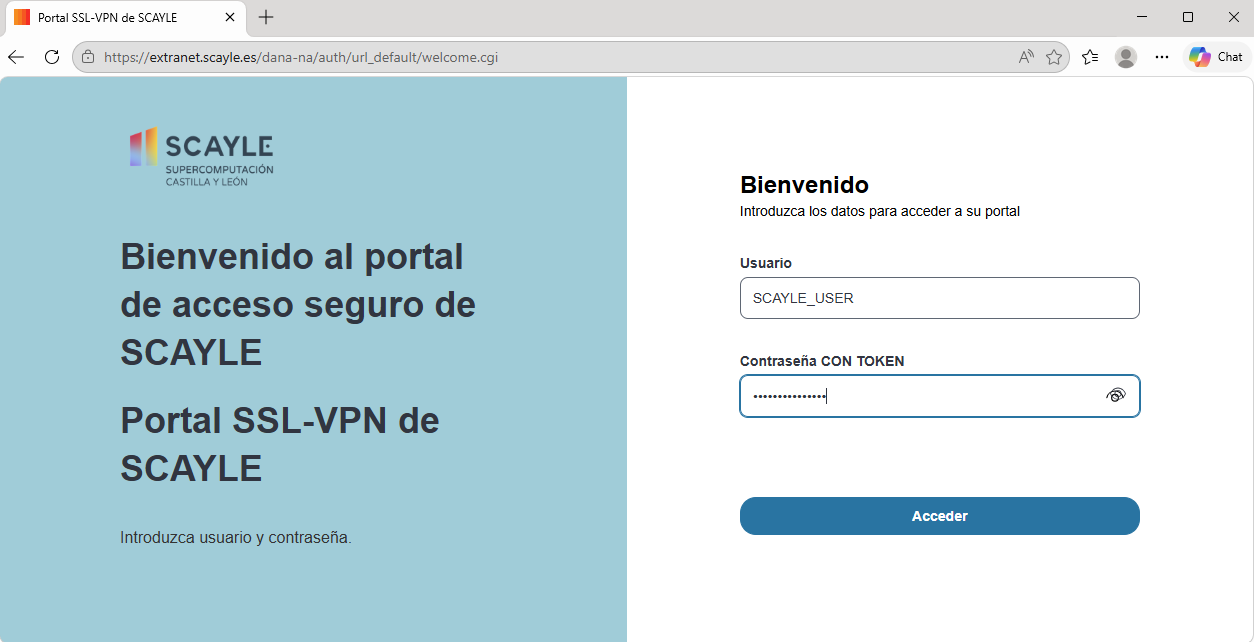
Select the LLMs portal service.

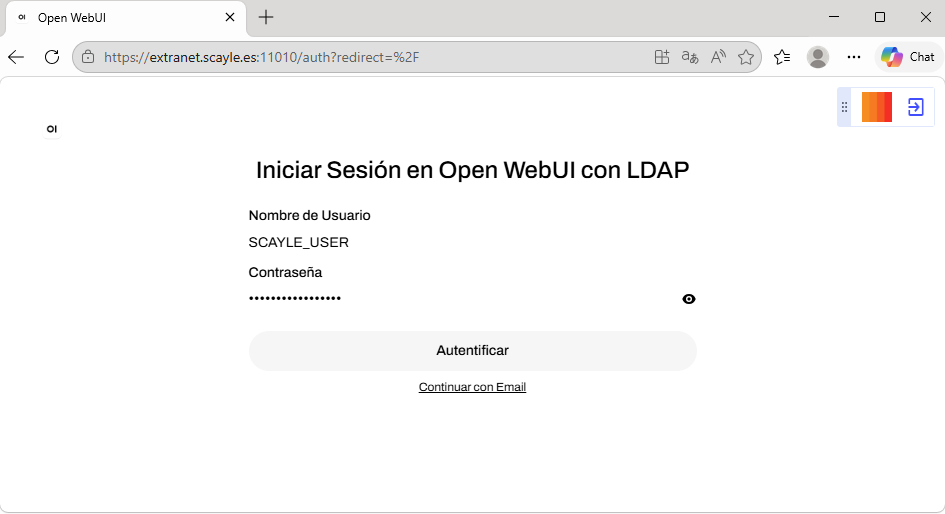
In the LLMs interface, enter your SCAYLE username and password again.
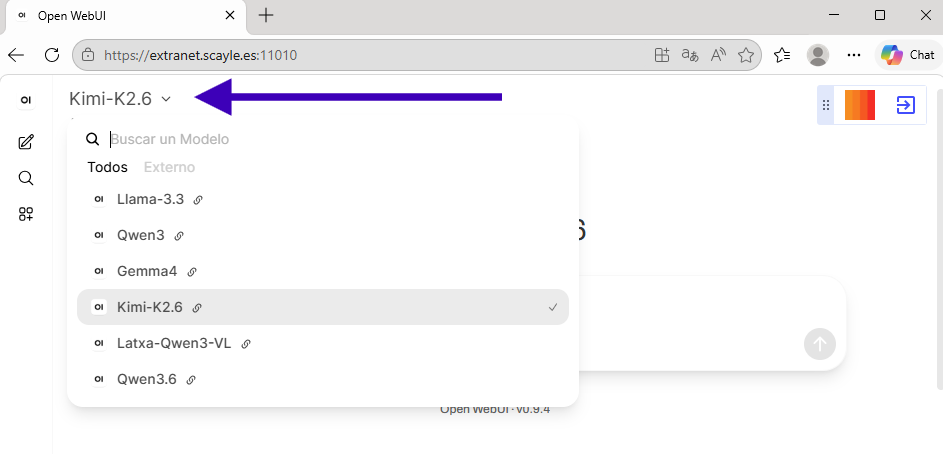
Search for the desired model. If you notice that a requested model is not visible, contact and describe the issue.
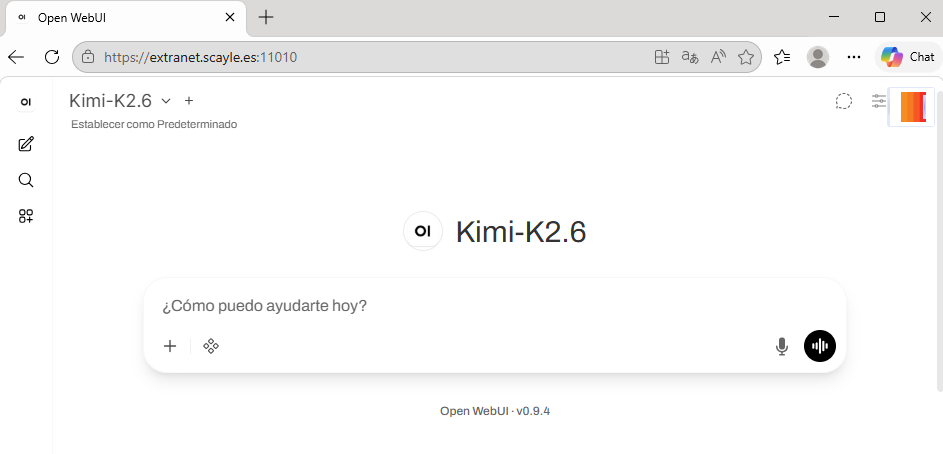
Type your message in the text field and send it.
Last updated: 04/06/2026 12:06